
Protect your data · Restore fast · Keep working
Data Backup and Continuity for Southampton Businesses
Every invoice, client file and mailbox lives in your systems, so a failed server, a flood, a power cut or a ransomware attack can stop work in your Southampton office. Our data backup service copies your servers, laptops and Microsoft 365 data to UK datacentres, tests restores regularly and sets out a continuity plan, so your team keeps working.
Book a backup reviewTrusted pen testing, industry certified.






Data backup and recovery in Southampton
Business Continuity Planning for Southampton SMEs
Data backup means copying your files and systems to a separate location, with a tested plan to restore them after a failure, attack or outage. Business continuity covers how your people keep working while the office is out of use.
Whether the trigger is a tidal flood near the waterfront, a power cut in an older city centre building or a file deleted by accident, we set up tested backups and a clear recovery plan. Ransomware is another big risk, so pair them with our endpoint detection and response service to keep your business resilient from every angle.
Get in touch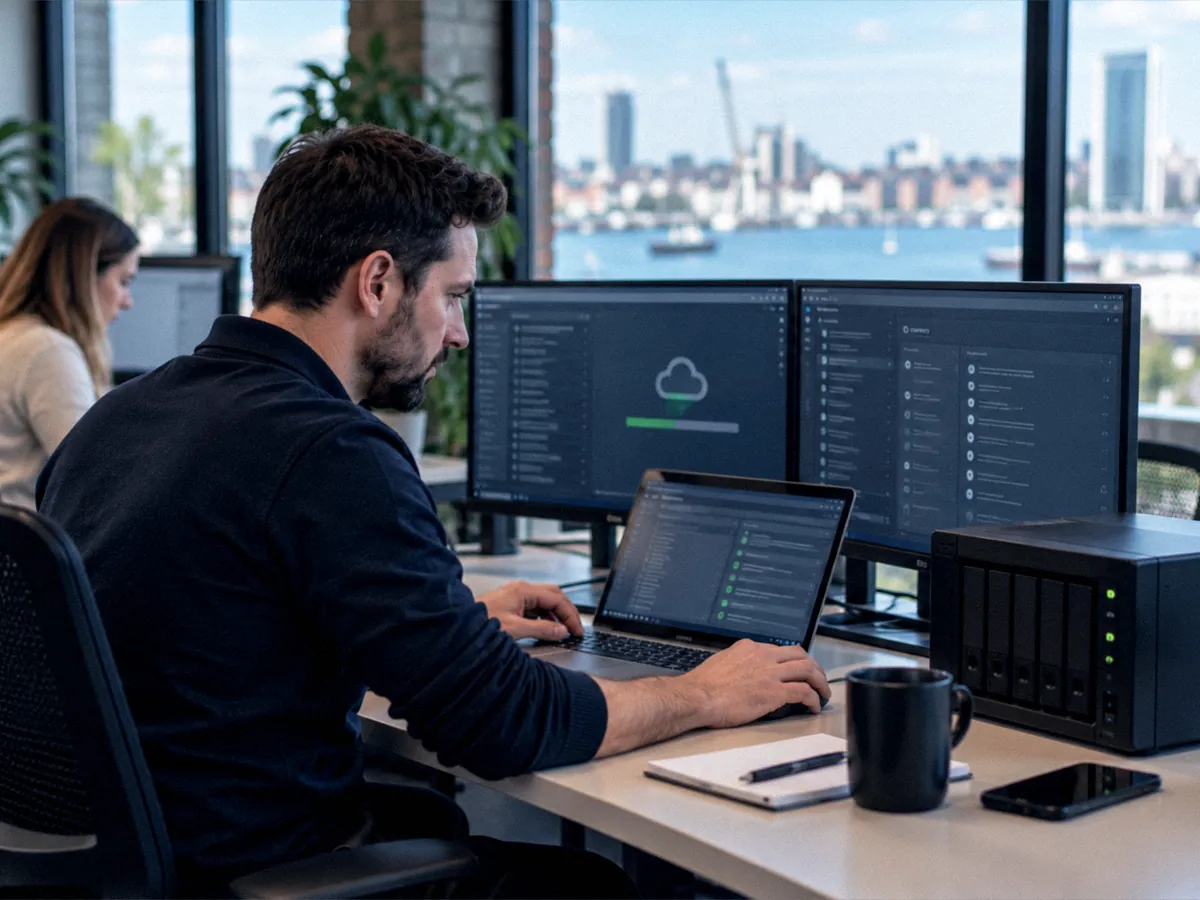
What our backup service covers
Keep Your Southampton Business Working, Whatever Happens
One service protects your data, proves it can come back and sets out how staff keep working. We size it to your systems and the downtime your business can absorb without losing clients.
UK Datacentre Copies
Servers and laptops back up at image and file level, and copies replicate to UK-based datacentres. Laptops back up anywhere.
Microsoft 365 Too
Recovering deleted or overwritten Microsoft 365 data falls to you. We keep separate copies of Exchange, OneDrive, SharePoint and Teams, ready to restore.
Any Device Covered
We back up Windows, Mac and Linux machines plus Android phones, iPhones and iPads, so data held on any device has a copy.
Restores Tested for You
We restore files, mailboxes and whole servers to a test area, check they work and share the written results with you.
Clear Recovery Targets
We agree how long each system can be down and how much data you can lose, then build both into a written continuity plan.
Help With Questionnaires
Written test results give you evidence for insurer forms and client security questionnaires when they ask.
How it works
How We Keep Your Backups Working
A backup is only worth having if it restores on the day you need it. Every job reports to our monitoring platform, and a failed or missed job reaches an engineer straight away.
Step 1
Monitor
Every backup job across your servers, laptops and Microsoft 365 reports to our monitoring platform, so a failed or missed job is spotted.
Step 2
Alert
A failed or missed backup job opens a support ticket automatically, and an engineer picks it up to investigate the cause straight away.
Step 3
Resolve
We fix the fault, check the next backup completes and repeat test restores on a schedule, sharing the written results with you each time.
Frequently asked questions
Backup and Recovery Questions From Southampton Businesses
What is the difference between backup and DR?
A backup is a copy of your data. Disaster recovery is the plan and tooling that bring your systems back into use from that copy within an agreed time. You need both, because a backup with no tested recovery plan can still leave you unable to work.
Does Microsoft 365 need a separate backup too?
Yes, for most businesses. Microsoft keeps the service running, but its recycle bins and retention settings hold deleted data for limited periods. A separate backup of Exchange, OneDrive, SharePoint and Teams lets you restore after a deletion, a removed account or ransomware.
What do RTO and RPO mean?
RTO is the longest a system can be down before it harms your business. RPO is how much recent data you can afford to lose, measured in time. We agree both targets with you for each system and set backup frequency to match.
How do you protect our backups from ransomware attacks?
We keep separate copies in UK datacentres, apart from your main network, with proactive ransomware protection on your devices. Backup consoles sit behind separate admin accounts with MFA, and we restore from a clean copy taken before any attack.
How often do you test our restores?
We run test restores on a schedule agreed in your plan, covering files, mailboxes and full servers. Each test records what we restored, how long it took and any problems found, and you receive the written results each time.
What happens if our office floods or loses power?
Your staff switch to working from home on their laptops and Microsoft 365, following the continuity plan. If you run an on-site server, we restore it to cloud or replacement hardware from the full image backup held off site, so the business keeps running. Calls follow your staff too when you use a cloud phone system.
Do our backups help with UK GDPR duties?
Yes. Article 32 of UK GDPR expects you to be able to restore the availability of and access to personal data in a timely manner after an incident. Tested backups and a written recovery plan give you evidence of that measure if the ICO or a client asks.
Get in touch
Protect Your Business Data With a Southampton Backup Team
Tell us what you need to protect and how quickly you would need it back, and we will recommend the right backup plan. Call 023 8110 2301, email hello@itsupportsouthampton.uk or send us a message and one of our engineers will get back to you.
Contact us